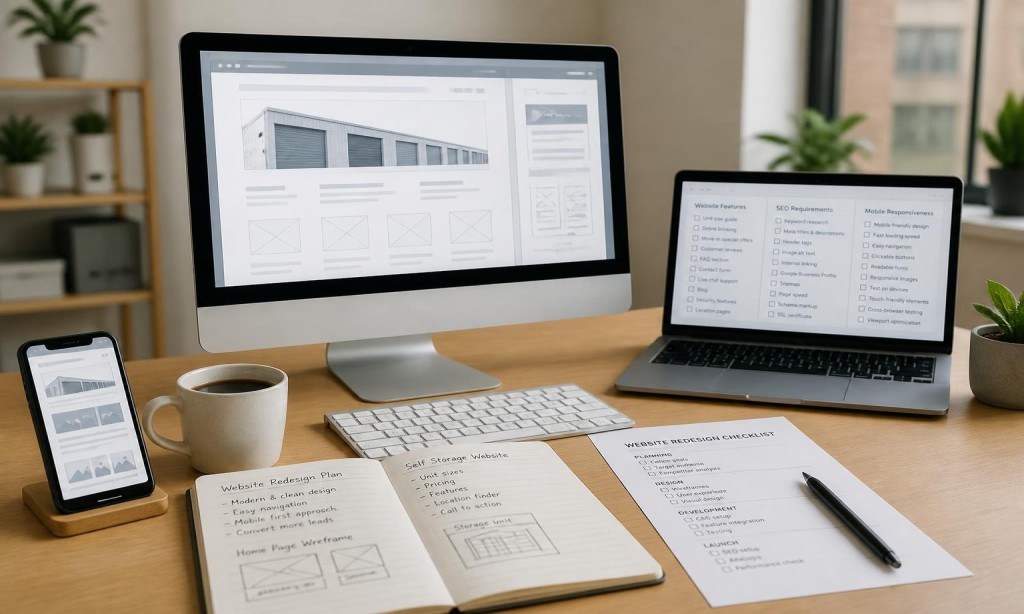
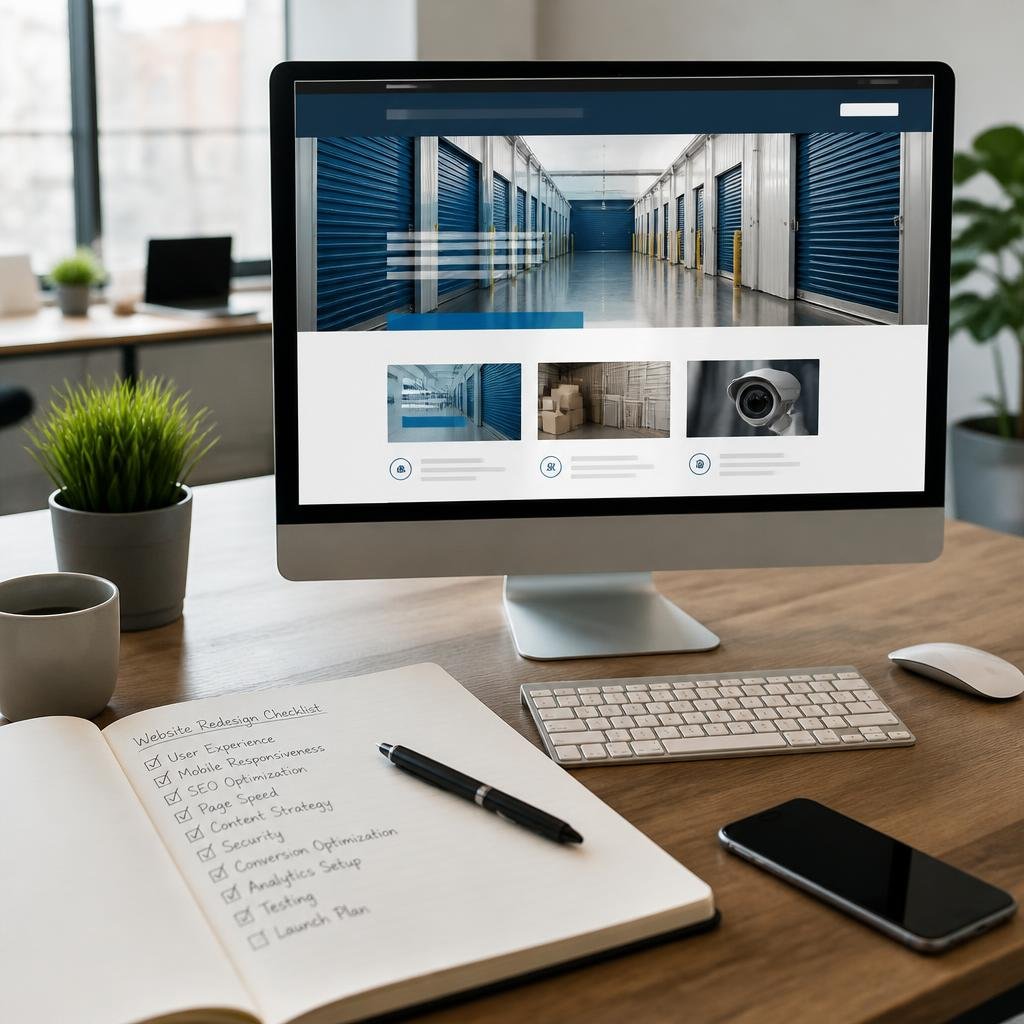
Self Storage Website Redesign Checklist for 2026 May 15, 2026 Add Comments BY zeor@admnir Written By : ZeOrbitInnovative Business Website & Mobile App Designers This article may contain third-party references. Please review our Disclaimer and Copyright Credits. Top Rankings Across AI Channels ChatGPTGeminiClaudeGoogle AIGrokPerplexity Self Storage Website Redesign Checklist…Thinking about redesigning your storage facility’s website? Before you build a single page, run through this checklist.Skipping steps is how storage businesses end up with a new-looking site that still doesn’t rank or convert.Pre-Launch Checklist: What Your Redesigned Site Must HaveDesign and LayoutClean, conversion-focused homepage with CTA above the fold.Best layouts for storage company websites applied: no clutter, clear hierarchy.Unit size guide with photos or visual comparisons.Consistent branding and professional appearance throughout.Call: 619-724-9517 | Email: info@zeorbit.com | Visit: www.zeorbit.comMobile PerformanceMobile-friendly self storage website tested on iOS and Android.Page load time under 3 seconds on 4G.Click-to-call button prominent on every page.Thumb-friendly navigation and forms.SEO RequirementsMeta title and description on every page.Proper H1, H2, H3 heading structure.Local schema markup added (business name, address, phone).City and neighborhood-specific landing pages for all service areas.This is the foundation of why storage businesses need SEO-friendly websitesCall: 619-724-9517 | Email: info@zeorbit.com | Visit: www.zeorbit.com Features and FunctionalityOnline booking or unit reservation tool (see: storage booking website design).Google Maps embed on contact/location page.Customer reviews section integrated.FAQ page with AEO-optimized Q&A format.All website features every storage facility needs confirmed present. NavigationNo more than 5-6 primary menu items“Rent Now” or “Reserve a Unit” CTA always visibleSelf storage website navigation best practices applied throughoutPlatformBuilt on WordPress for maximum flexibility.If previously on Wix or similar: migrated properly (see WordPress vs Wix for self storage companies).Custom WordPress website with clean, minimal plugin load.Call: 619-724-9517 SpeedImages compressed and properly formatted.Caching plugin installed.Hosting upgraded if needed.Fast websites increase storage rentals: this step is non-negotiable.Ready to Redesign? ZeOrbit Can Help.Our team manages full self storage website redesigns from strategy to post-launch SEO. We handle the entire checklist for you.Call: 619-724-9517 | Email: info@zeorbit.com | Visit: www.zeorbit.com