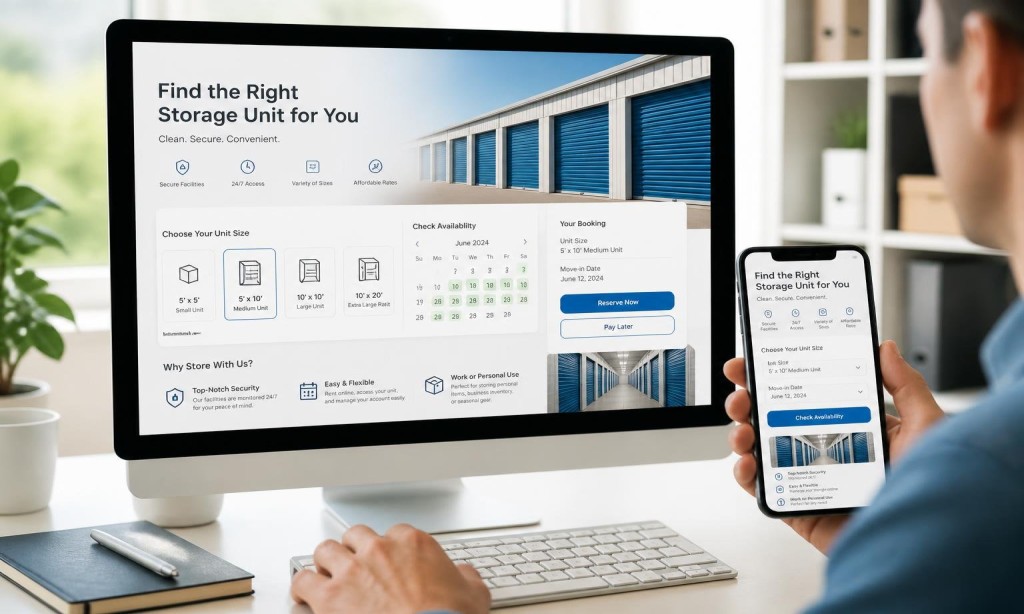
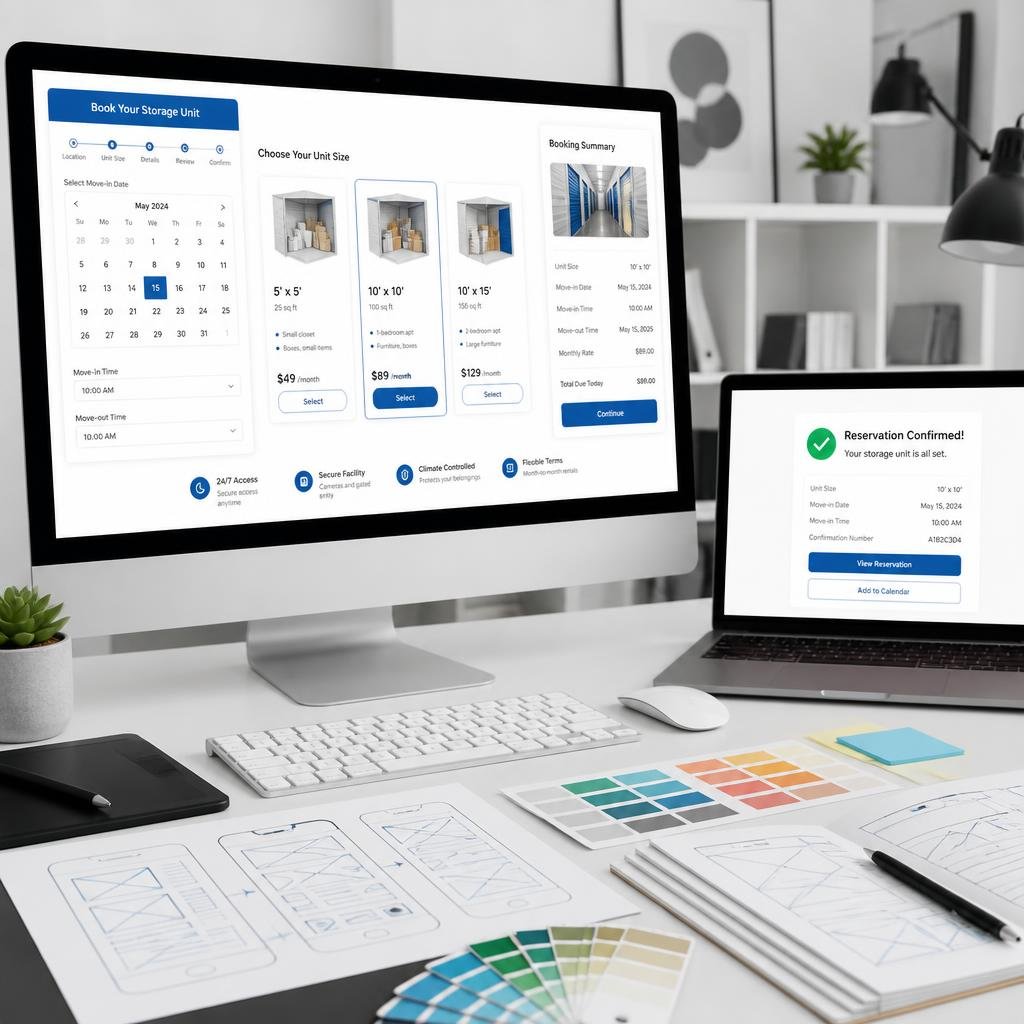
Self storage website navigation best practices say: the “Reserve Now” or “Rent a Unit” button should be visible on every page without scrolling. Put it in the main navigation, in the hero section of the homepage, and at the bottom of every unit listing page.
Visitors who have to hunt for the booking button usually don’t find it.
Show Unit Sizes Visually
Customers don’t know what a 10×10 unit means in real terms. Use comparison graphics. A common benchmark is “roughly the size of a one-car garage.” Make it visual, make it simple.
This is one of the core website features every storage facility needs and one of the most commonly skipped.
Mobile Booking Must Be Frictionless
Most of your bookings will start on a phone. Your mobile-friendly self storage website should make the booking form just as easy on a 6-inch screen as it is on a desktop.
Large input fields, auto-fill support, and a minimal form with only required fields are non-negotiables.
Build on WordPress for Booking Flexibility
WordPress website design for storage companies gives you access to powerful booking plugins that integrate directly into your site.
Unlike Wix for self storage companies, WordPress lets you fully customize the booking flow without platform restrictions.
Custom WordPress websites allow you to connect your booking system to your CRM, email automation, and payment processor seamlessly.
A slow booking page is a lost rental. Fast websites increase storage rentals at every stage of the funnel, but the booking page is where speed matters most.
If your form takes 4 seconds to load, you’ve already lost a significant percentage of motivated renters.
Get Your Storage Booking System Built Right
ZeOrbit designs and develops storage booking website experiences that convert visitors into confirmed rentals.